

Leveraging WebGL for Hardware Acceleration
High-performance 3D games can be created using HTML5 WebGL, a JavaScript API using the OpenGL ES 2.0 on-the-fly API, which is executed on the GPU. WebGL is a cross-browser implementation of complicated shaders, textures, and lighting with no plugins, rendered through the element of canvas. Begin with a simple scene: initialize a WebGL context, configure vertex/fragment shaders that do 3D transformations, and render triangles that comprise meshes. This is optimized on desktops and mobiles by the modern browsers at 60FPS.
Essential Tools: Three.js for Simplified Development
Raw WebGL requires low-level mathematics, and therefore, Three.js – a lightweight library with abstracts of scenes, cameras and renderers is recommended. Start with Scene, PerspectiveCamera and WebGLRenderer. Create meshes Geometry (or BufferGeometry to be efficient) and Materials (MeshPhongMaterial to be realistic in lighting). OrbitControls allow navigation using a mouse/keyboard. Three.js is matrix-based, culling and LOD are automatically managed, boilerplate is cut, and performance is preserved.
Optimize Rendering for Smooth Framerates
The performance depends on the efficient loops with requestAnimationFrame() to synchronize at around 60FPS. Reduce the number of draw calls through geometries batching and through InstancedMesh when dealing with a repeated object such as a particle or enemy. Use frustum culling to avoid on-screen rendering and LOD in faraway models. DirectionalLight Shadow mapping with PCFSoftShadowMap optimization improves images without delay. Browser dev tools profile- target less than 16ms per frame.
Efficient Collision Detection and Physics
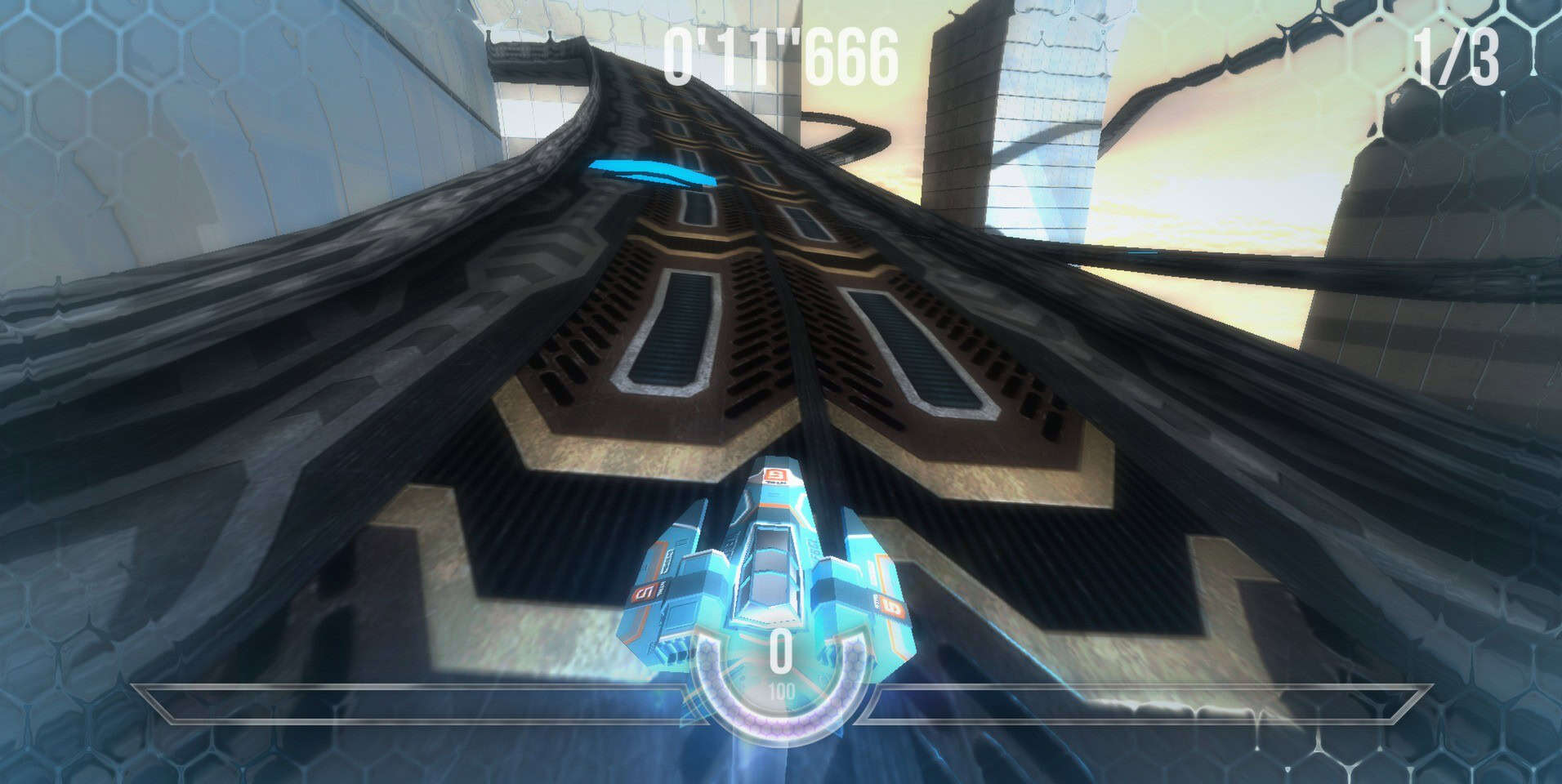
Smart physics is required in High-perf 3D. Interact with the mouse with raycasting and collide with Box3.intersectsBox. In case of complex shapes, Octrees divide space and only query nodes that are relevant. Add Cannon.js or Ammo.js (Bullet port) to support rigid bodies, gravity and constraints- sync with Three.js through custom loops. Do not check per-frame N-bodies: spatial partitioning reduces O (n 2) to O (log n).
Asset Management and Loading Strategies
Load models (GLTF through GLTFLoader), textures (TextureLoader with mipmaps), and audio are loaded asynchronously with LoadingManager to have progress bars. Compress assets: KTX2 or Basis textures save 50% of memory. Compression geometry Use Draco. Preload crucial assets; lazy-load thresholds. On mobile, poly count less than 50k and less than 2K textures.
Mobile Optimization and Deployment
Test at 30-60FPS on devices that have weaker shadow quality, less complex shaders, and devicePixelRatio scaling. AI/physics offloading Use Web Workers. Offline play is possible through Progressive Web Apps (PWAs) through service workers. Publish to itch.io or GitHub Pages; test on WebGL Report to enable features. Rapid iteration can be provided using tools such as PlayCanvas which have visual editors.
The 3D gaming of HTML5 is democratized- no installations are required. Since prototypes to refined titles such as Babylon.js demos, optimization and iteration should be given focus in providing immersive experiences across devices.